Admin
The admin area contains the main setup and maintenance workflows for companies, users, base devices, and project configuration.
On this screen
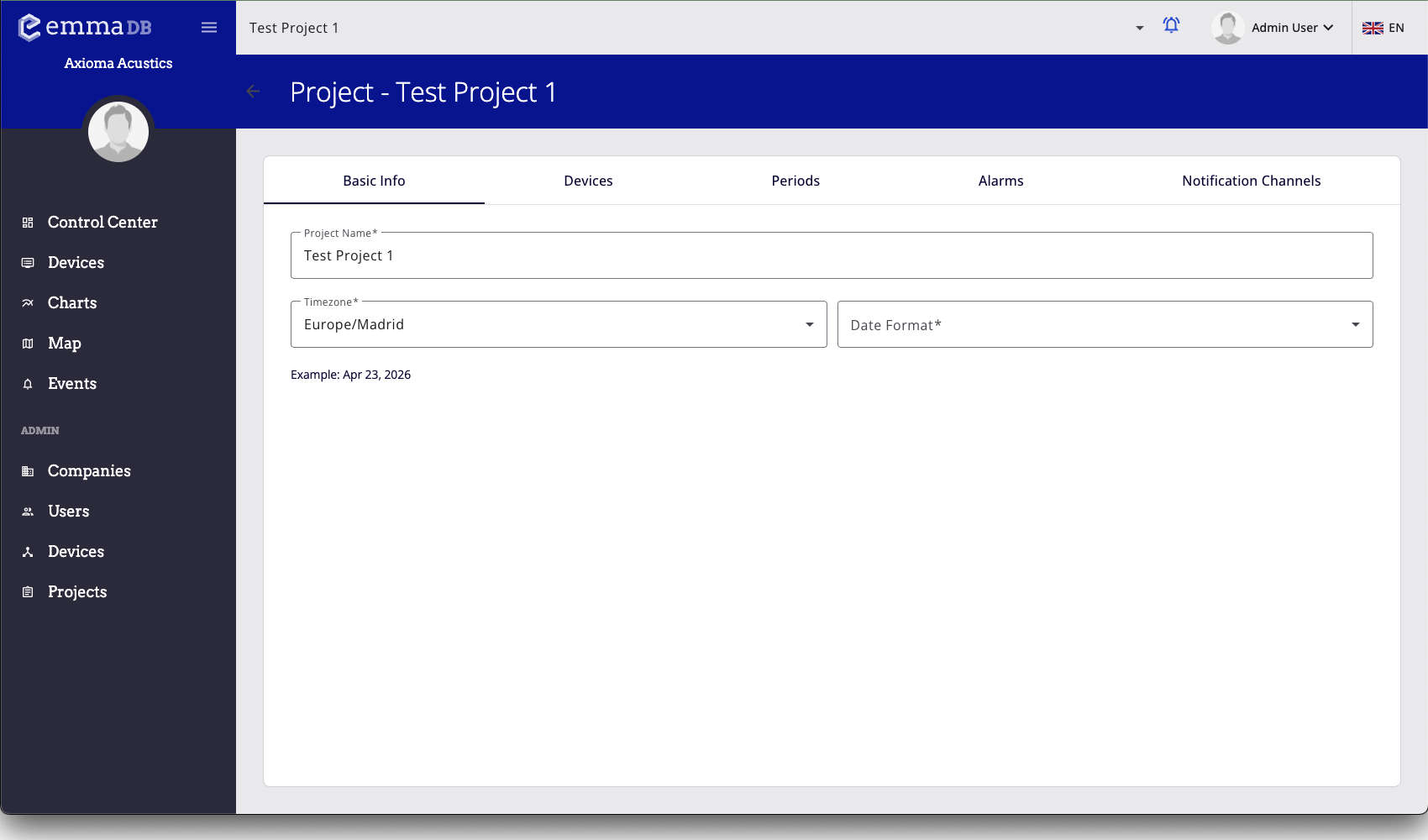
- Open the main admin list pages for companies, users, devices, or projects.
- Use project tabs to move between basic settings, devices, periods, alarms, and notification channels.
- Open item rows to edit full configuration forms.
Main admin sections
- Companies
- Users
- Administration Devices
- Administration Projects