Companies & Users
On This Screen
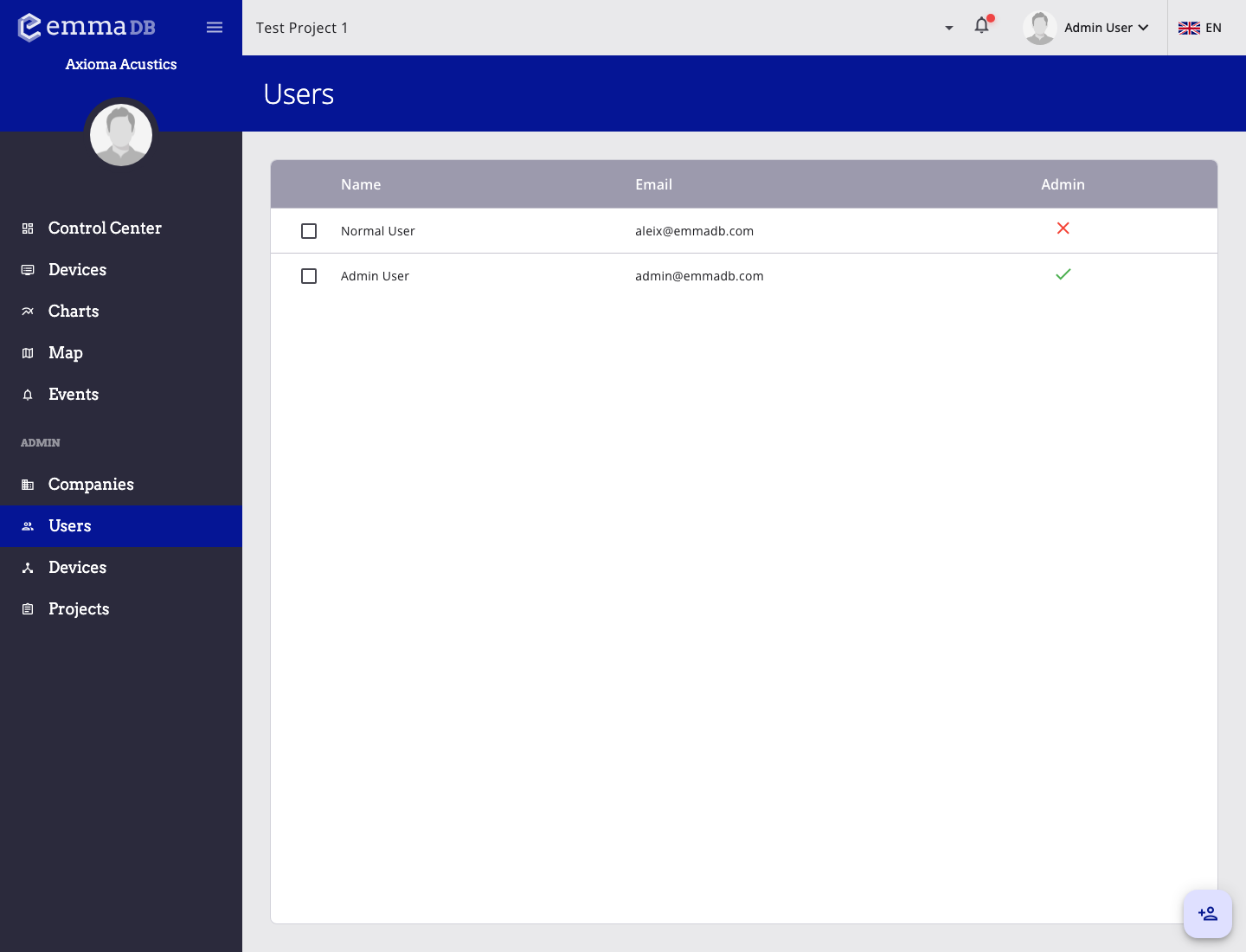
- Review user records, email addresses, and admin access directly from the list.
- Select one or more rows when you need to apply list-level actions.
- Open a record to edit user or company details in the corresponding form page.
Companies
Use Companies to manage customer or organizational records.
- Open an existing company from the list.
- Create a new company with the floating add button.
- Edit company name and address.
- Assign or remove projects from the company.
Users
Use Users to manage account access.
- Open an existing user from the list.
- Create a new user with the floating add button.
- Edit name and email.
- Grant or remove administrator access.
- Reset a user password manually.
- Assign projects.
- Assign companies.
If an administrator resets their own password, EMMA can log that user out and return to the login page.