Map
The map view helps users understand where devices are located and move quickly from a geographic context into a device workflow.
On this screen
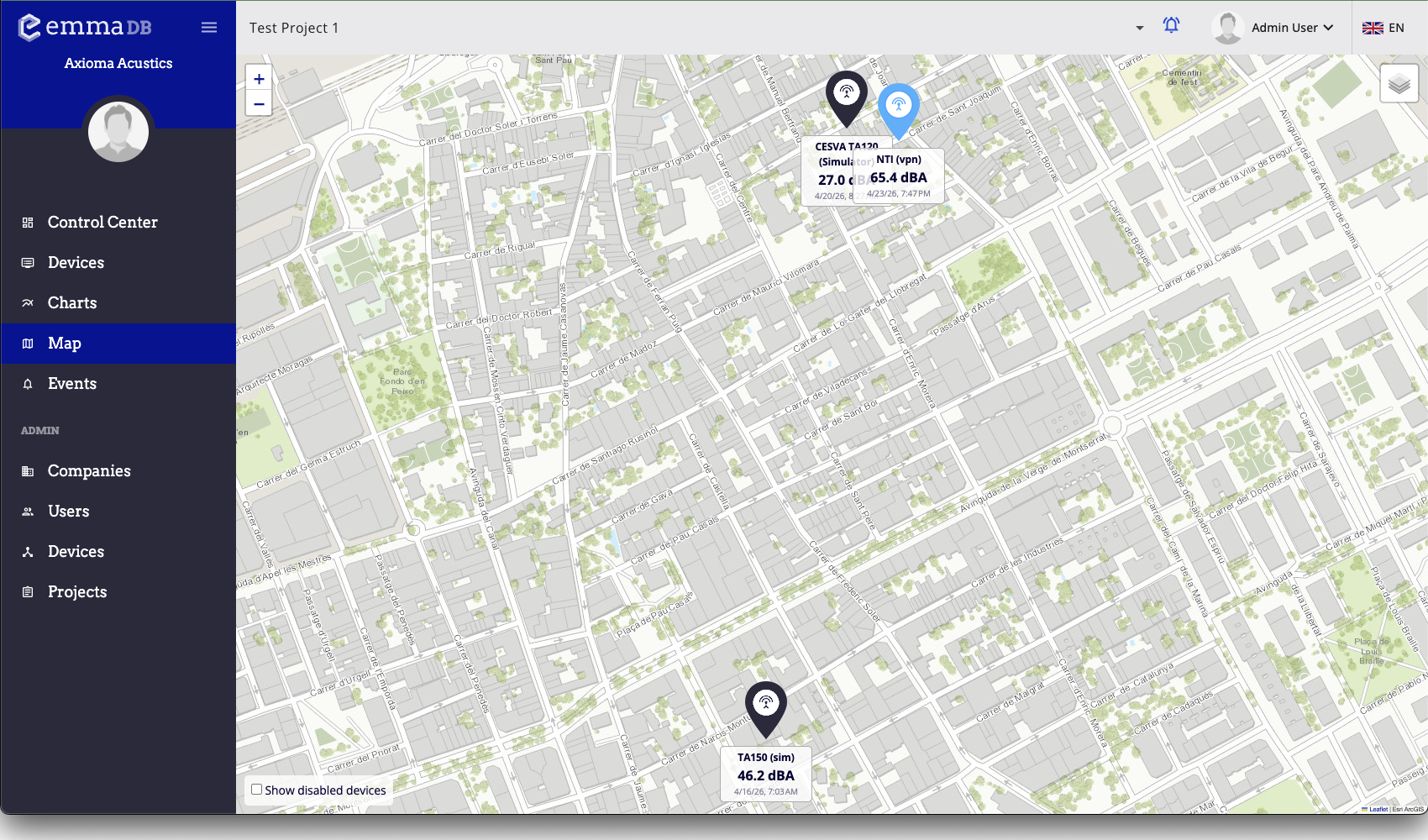
- View devices on the map.
- Use the map to understand where devices are located before opening their detail pages.
What you can do here
- Use the map when location matters for investigation or project review.