Devices
The Devices area is the main place to inspect one monitoring point in detail. Start from the device list, open the device you need, and then use the tab bar to move through the operational views.
On these screens
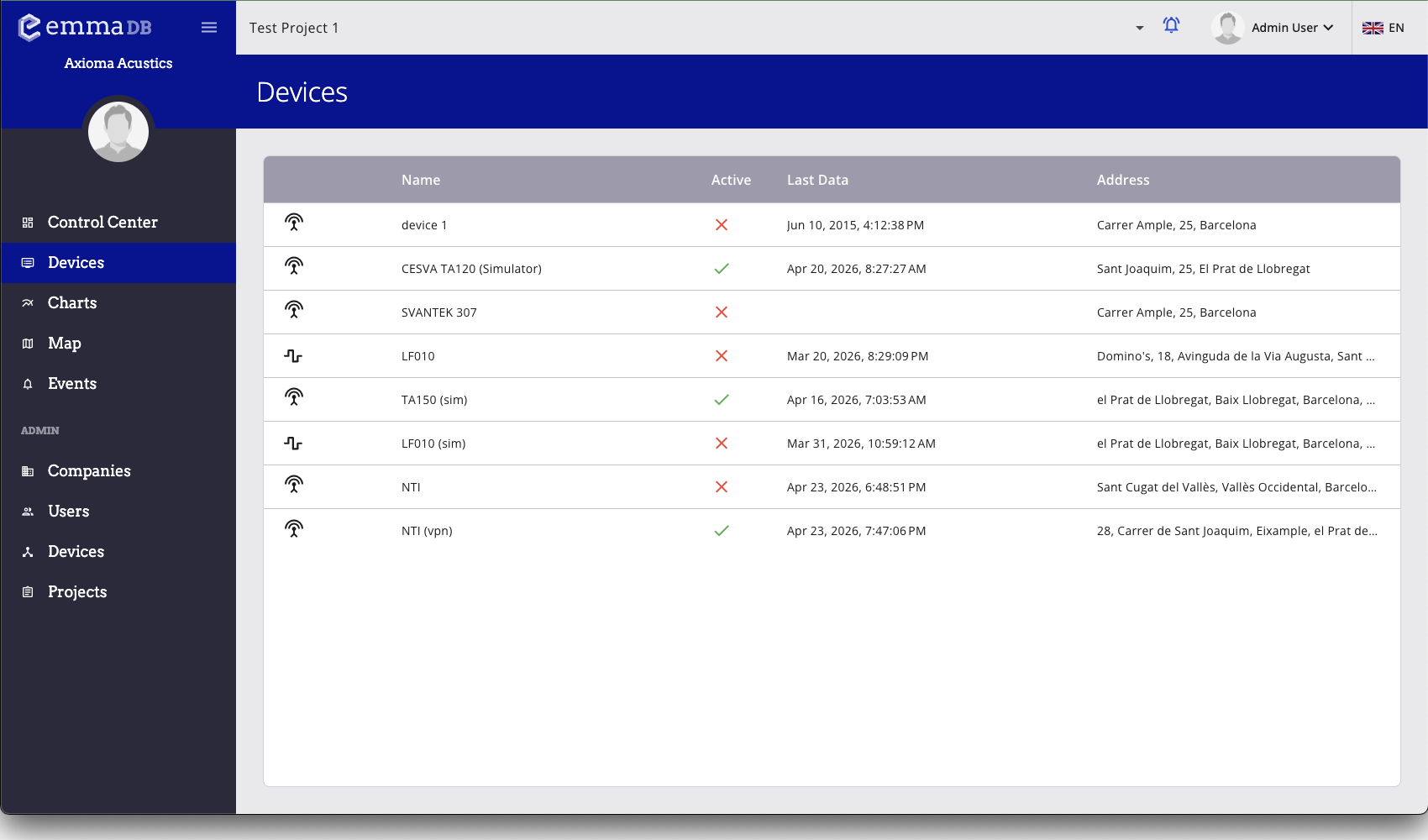
- Browse the devices available in the current project.
- Select a row to open the full device detail page.
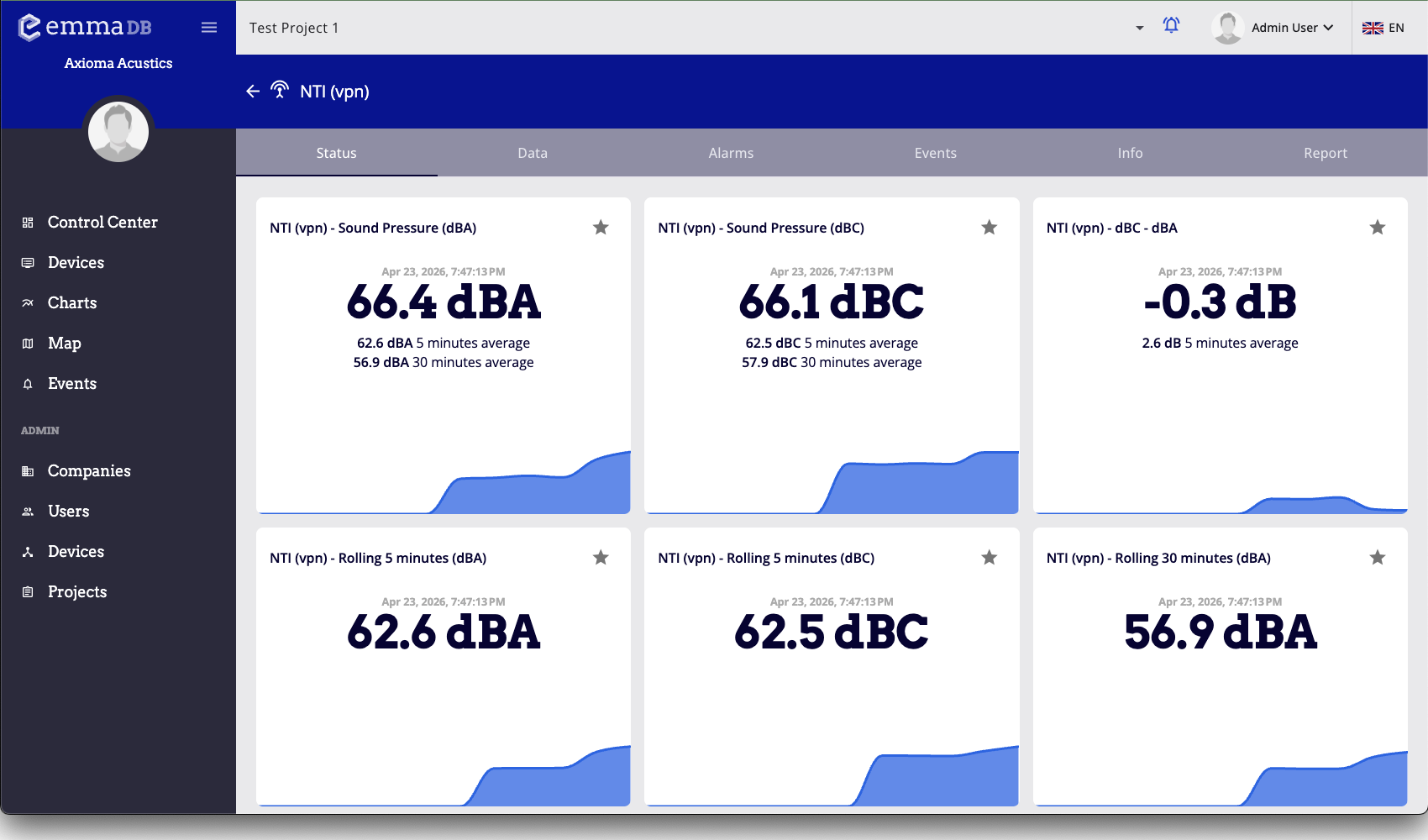
- Use the tabs to switch between Status, Data, Alarms, Events, Info, and Report.
- Review the latest readings and then move into the section you need for investigation.
Device list
- The table includes the device type icon, photo when available, device name, active status, last data timestamp, and address.
- Click any row to open that device.
- Use the
Last datacolumn to spot devices that have not reported recently. - Use the
Addresscolumn to confirm that you are opening the correct monitoring point.