Base Devices
On This Screen
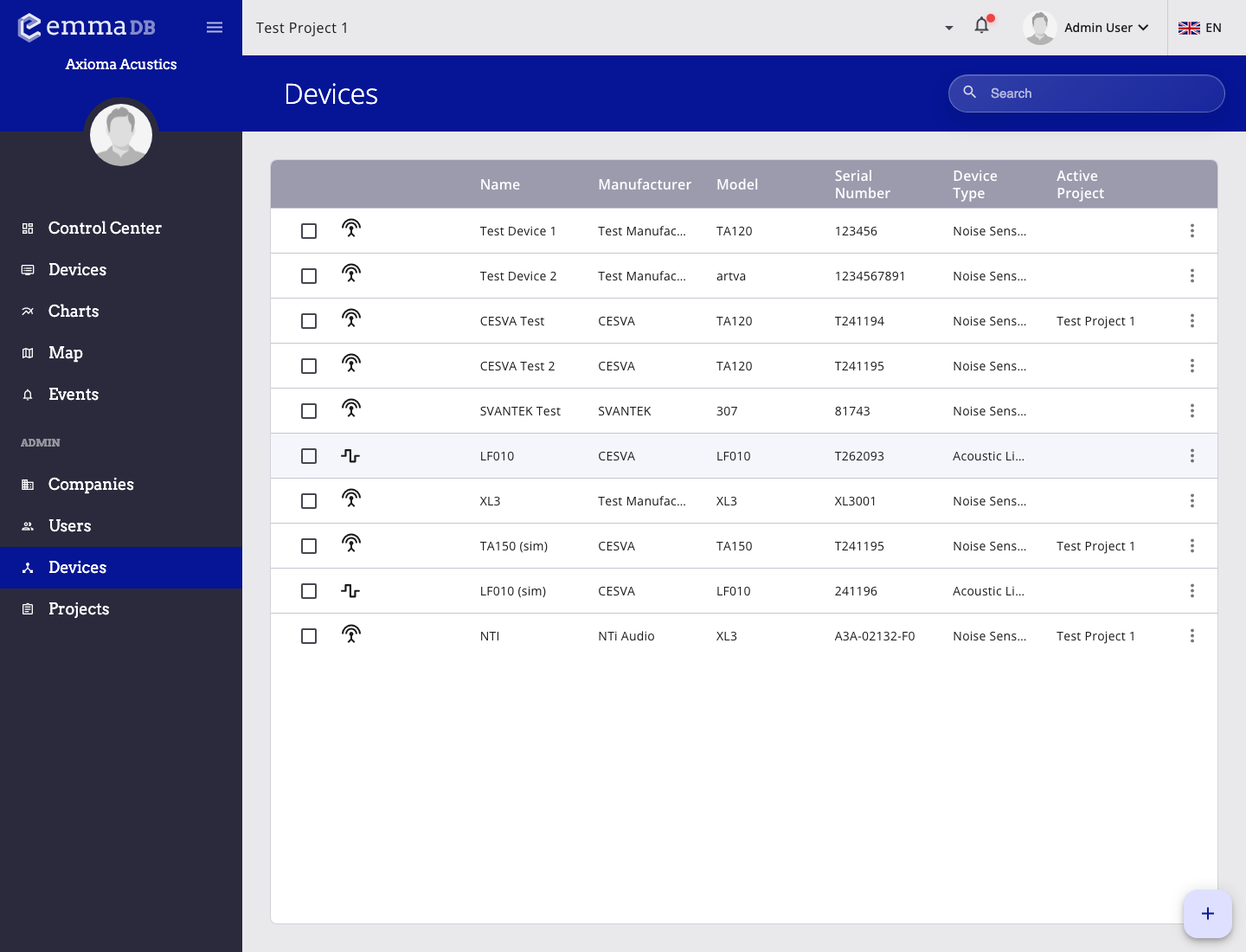
- Browse the base device catalog by name, manufacturer, model, serial number, and device type.
- Use the search box to narrow the list before opening a device record.
- Open the row menu to edit or manage a base device entry.
Use Administration Devices to manage the base device catalog entries, not the project-specific installation records.
Basic information
The device form includes:
- device name
- manufacturer
- model
- protocol
- device type
- serial number
- data frequency
- SIM or IMEI
- last calibration date
Image tab
- upload an image
- preview the stored image
- remove the image
Files tab
For devices that store files, the files tab lets you:
- filter files by type
- filter files by date range
- clear filters
- select files individually or by page
- download one file
- download multiple selected files as a ZIP