Report
On This Screen
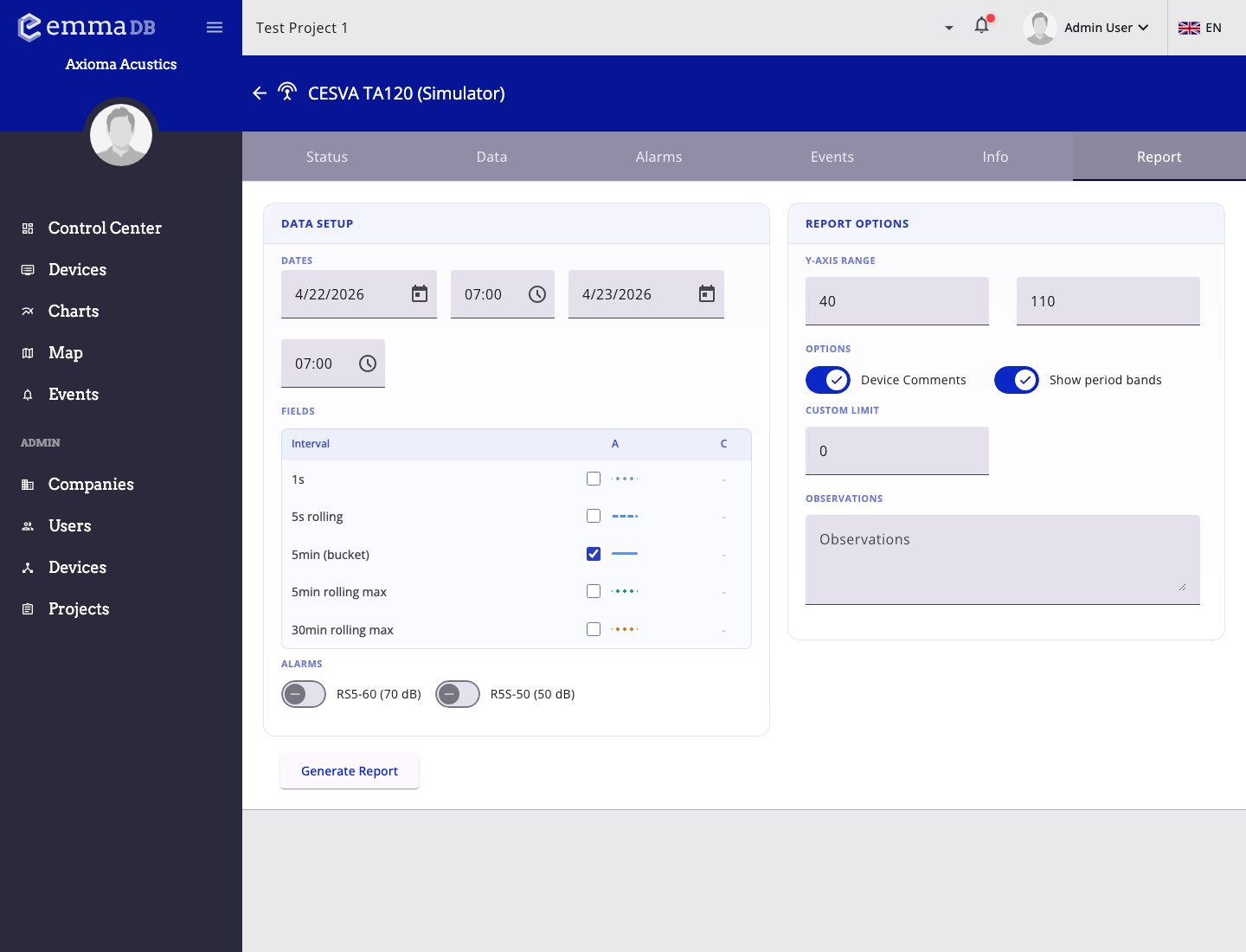
- Set the report date range and choose the measured fields to include in the output.
- Adjust y-axis range, period bands, comments, and observations before generating the file.
- Generate the report when the configuration matches the period you want to document.
Use Report to build a presentation-ready report for one device and one selected period.
Report Setup
- Choose the start date and time.
- Choose the end date and time.
- Select which series should be included.
- Enable alarm overlays when needed.
- Set a custom alarm line if you need an extra threshold reference.
- Adjust the Y-axis range.
- Show or hide comments and period bands.
- Add observations.
Generated Report
After you click Generate report, EMMA builds a report view that can include project name, device model and serial number, selected date range, GPS coordinates, address, comments, observations, a location map, a device photo, a graph legend, and the report graph itself.