Getting Started
Sign in and recover access
EMMA starts with the authentication module and supports:
- login
- forgot password
- password reset by token
- language switching in English, Spanish, and Catalan
On this screen
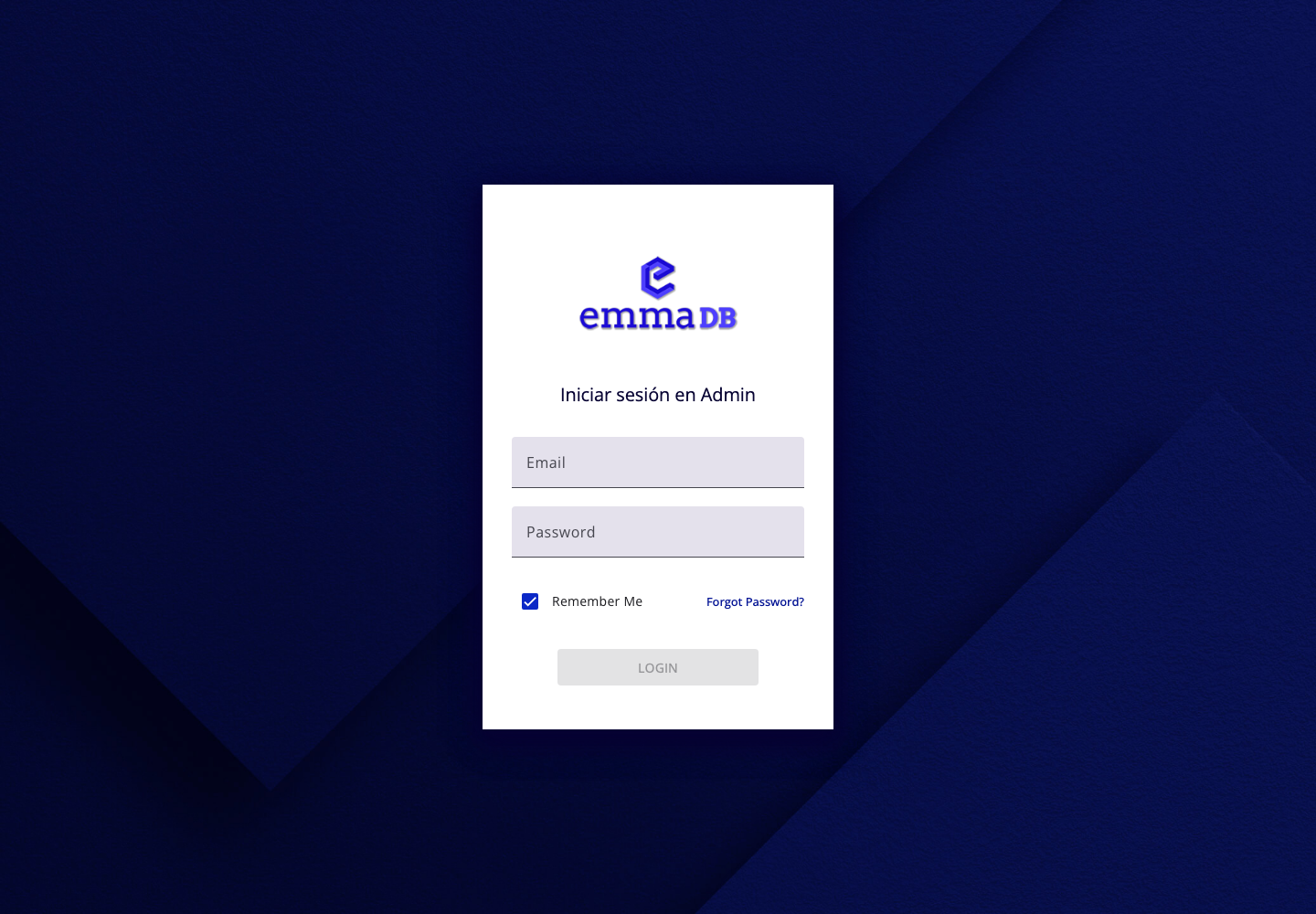
- Enter your email address and password.
- Select Login to open the platform.
- Use Forgot Password? if you need to reset your access.
- After signing in, change the language from the top toolbar if needed.
Tips
- Use password recovery instead of manually sharing passwords.
- Check the selected language after login so dates, labels, and navigation match your preference.