Events
Use Events to review alarms, warnings, and operational activity across the current project.
On this screen
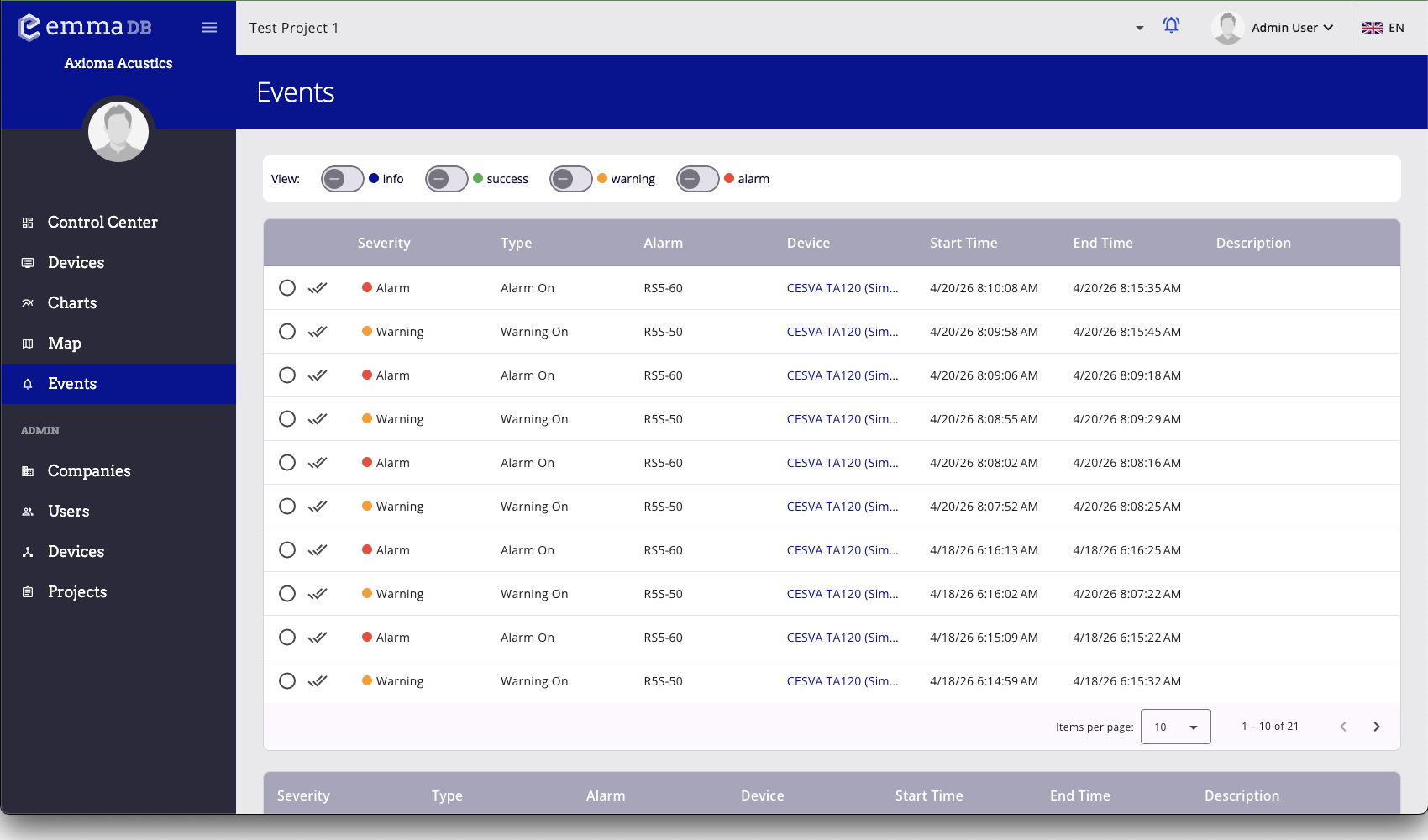
- Review events by severity, type, alarm, device, and time.
- Filter the list by severity to focus on the event types you need.
- Acknowledge one event or all matching pending events from the event actions.
In this section
What you can do here
- Review pending and resolved project events.
- Filter by severity to reduce noise.
- Confirm one event or many related events.
- Enable browser notifications from the toolbar bell icon.
- Create and maintain user-defined events where allowed.